01Apple UI
An ultra-simple, ultra-clean interface optimized natively for Apple users.
A LUT pack only changes color after the fact. ToneLab shoots true Log footage, converts it, and grades it. You won't even have to leave the app.
Problem
Solution
Problem
Solution
Problem
Solution


Import and manage your custom .cube files, or choose from our 65 expertly crafted Creative and 6 Conversion LUTs.
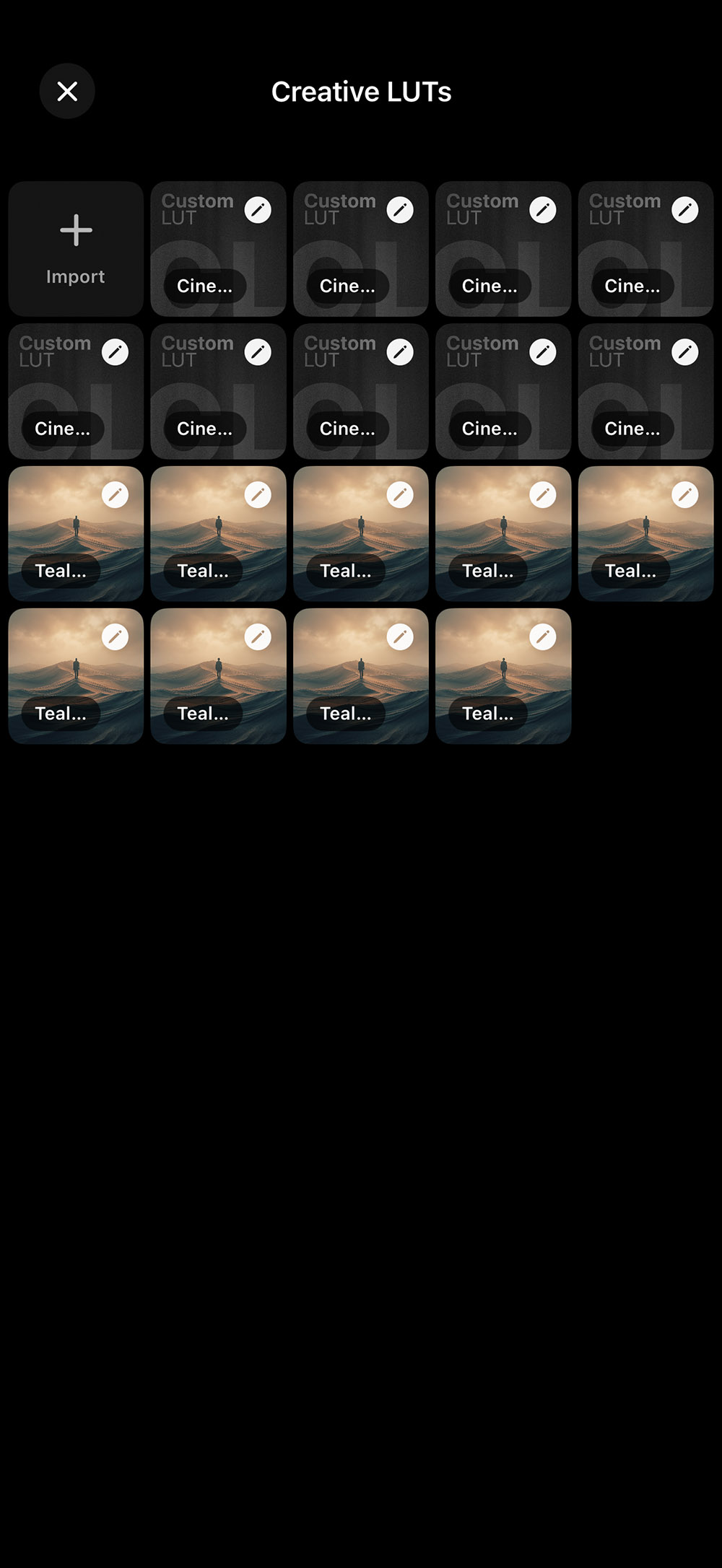
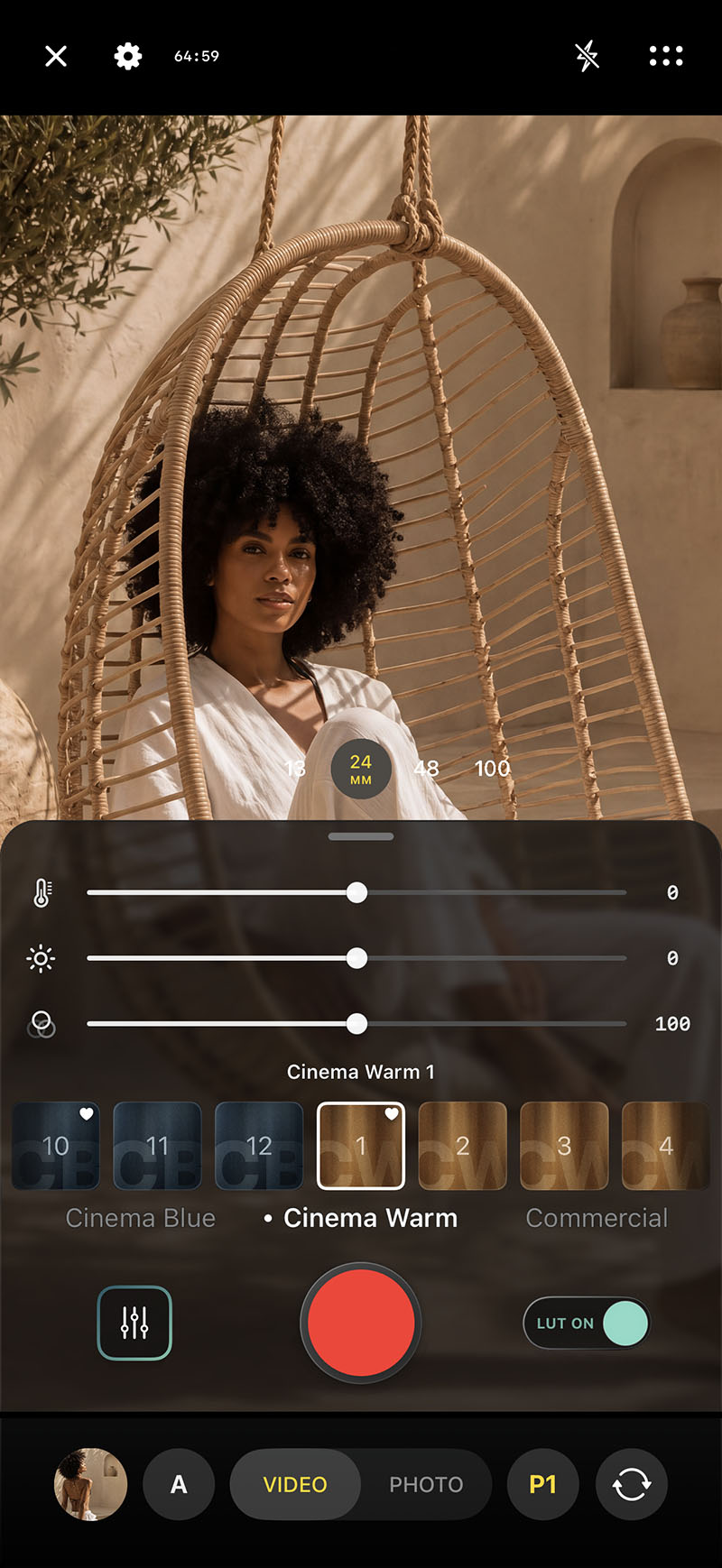
Swipe through your LUTs live while shooting. Bake them directly into the file or use them purely as a monitor preview. Effortlessly toggle them on or off on the fly.
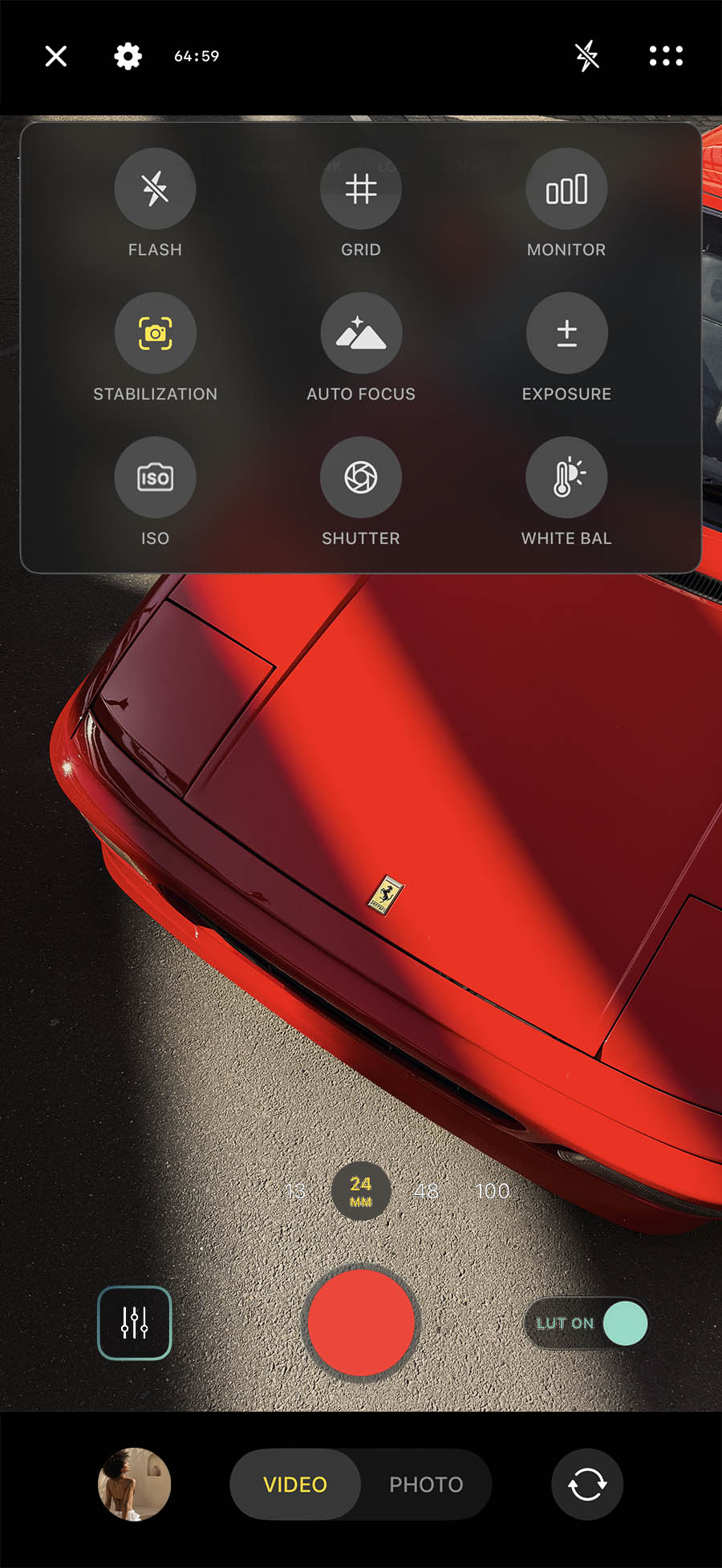
Take complete command like you would on a traditional cinema camera. Dial in precise White Balance, ISO, and shutter speed. You are in full control.
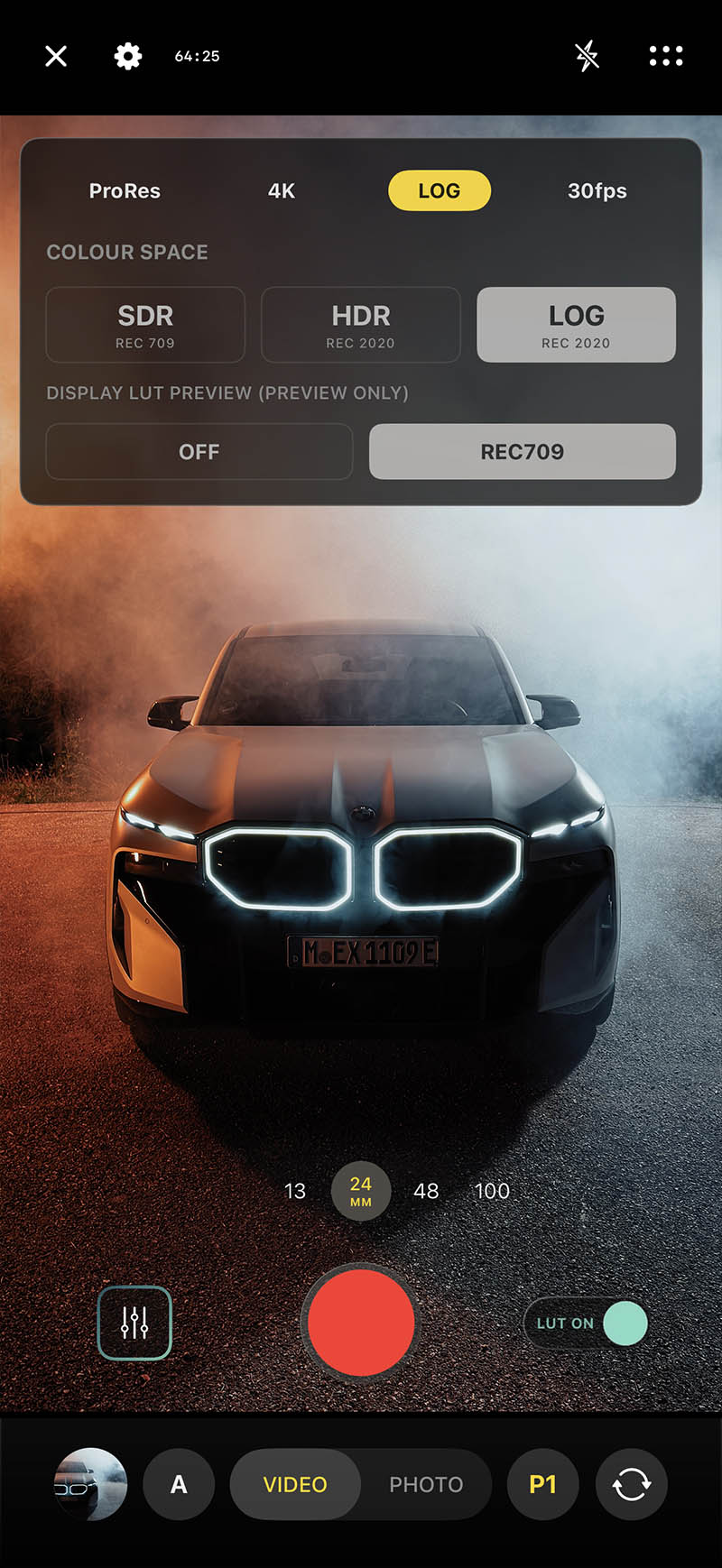
Maximize your iPhone's camera sensors to their absolute limits. Capture full-sensor data, completely unlocked right inside our app.
*Log is available on iPhone 15/16/17 Pro & Pro Max
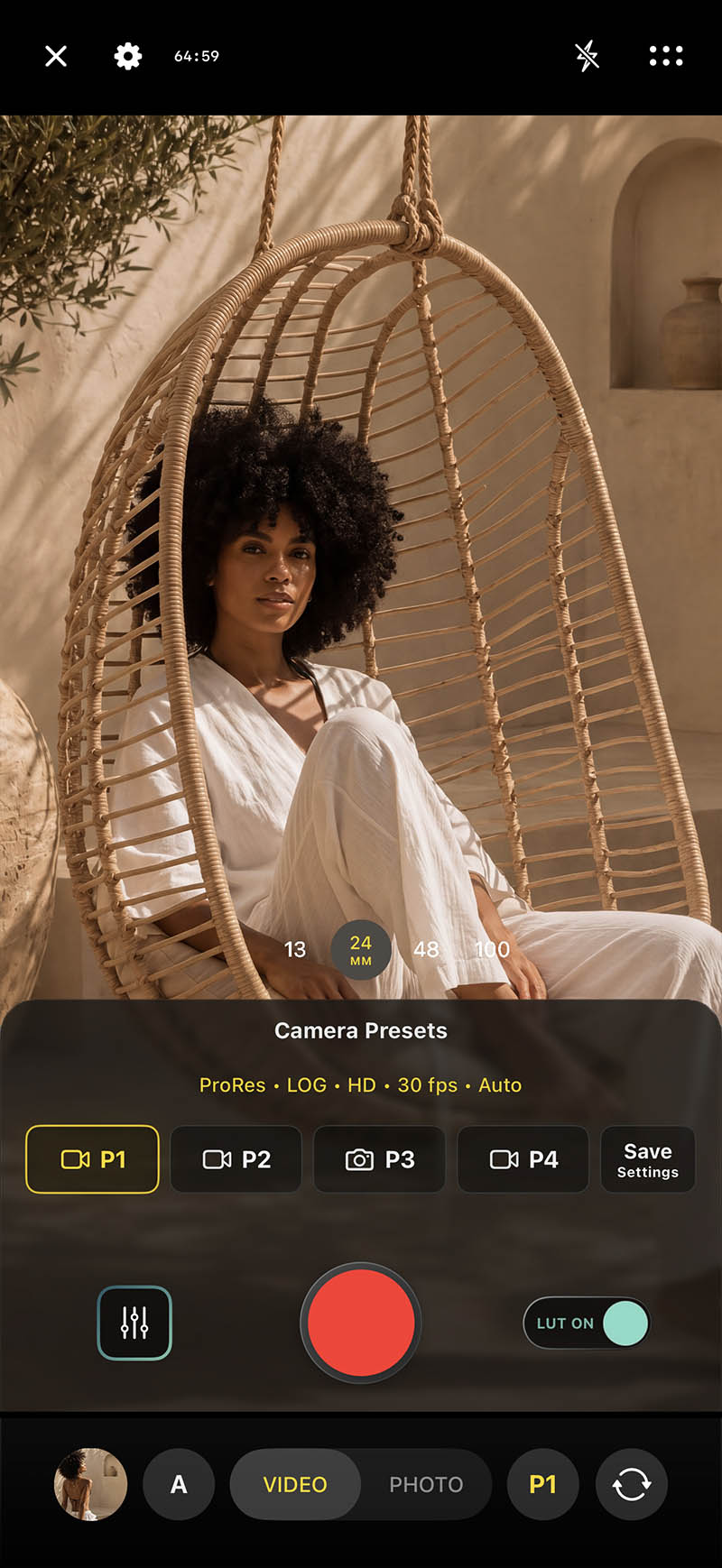
Found your perfect camera configuration? Save up to 4 custom presets to jump back into your go-to layout in a heartbeat. Efficiency at its finest.
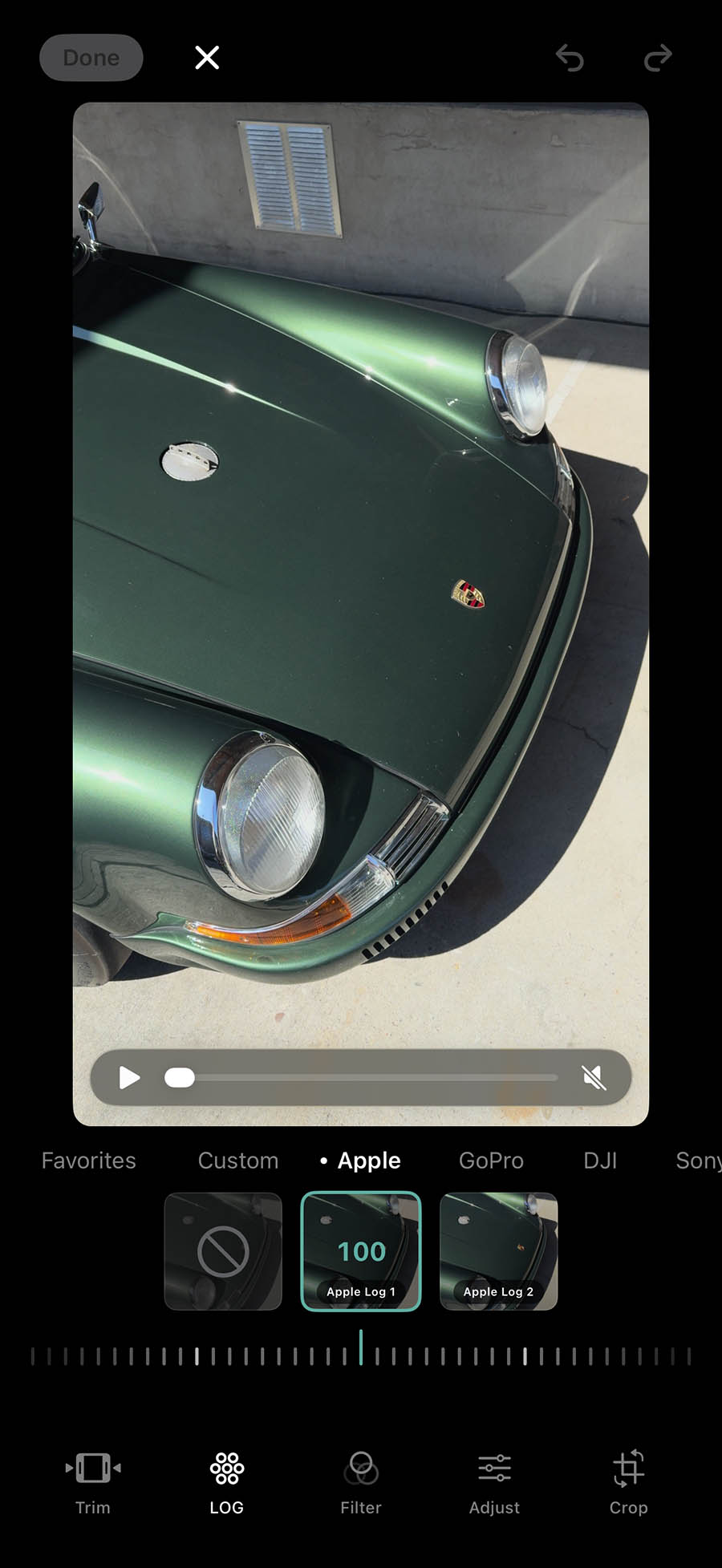
ToneLab Mobile doesn’t just support native Apple Log conversion. It also includes Conversion LUTs for GoPro, DJI, Sony and more.
Choose from 65 pre-made, highly optimized Creative LUTs, or easily apply your own looks by importing them through the LUT manager.
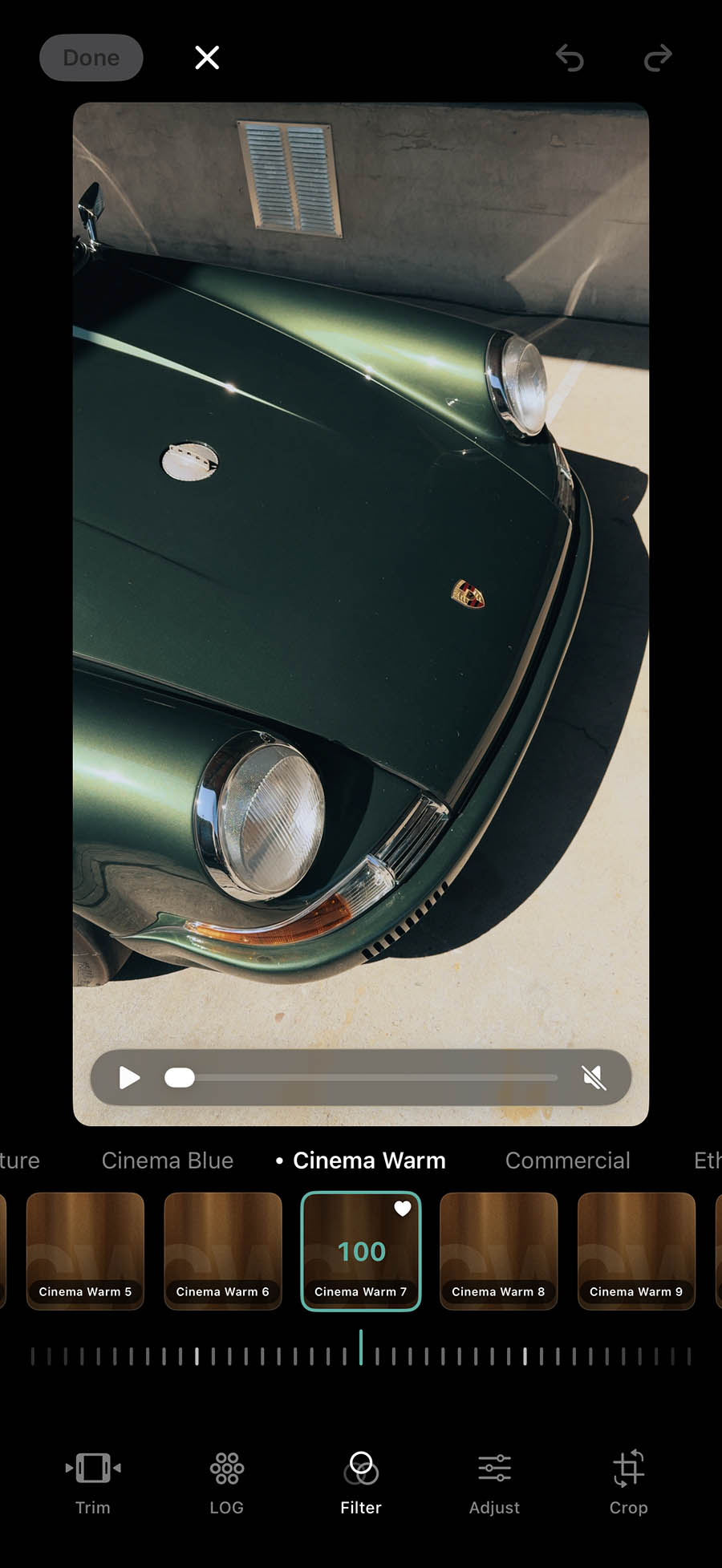

From fundamental exposure tweaks to essential grading tools like split toning, ToneLab has you covered. Save up to 4 presets with your favorite settings.
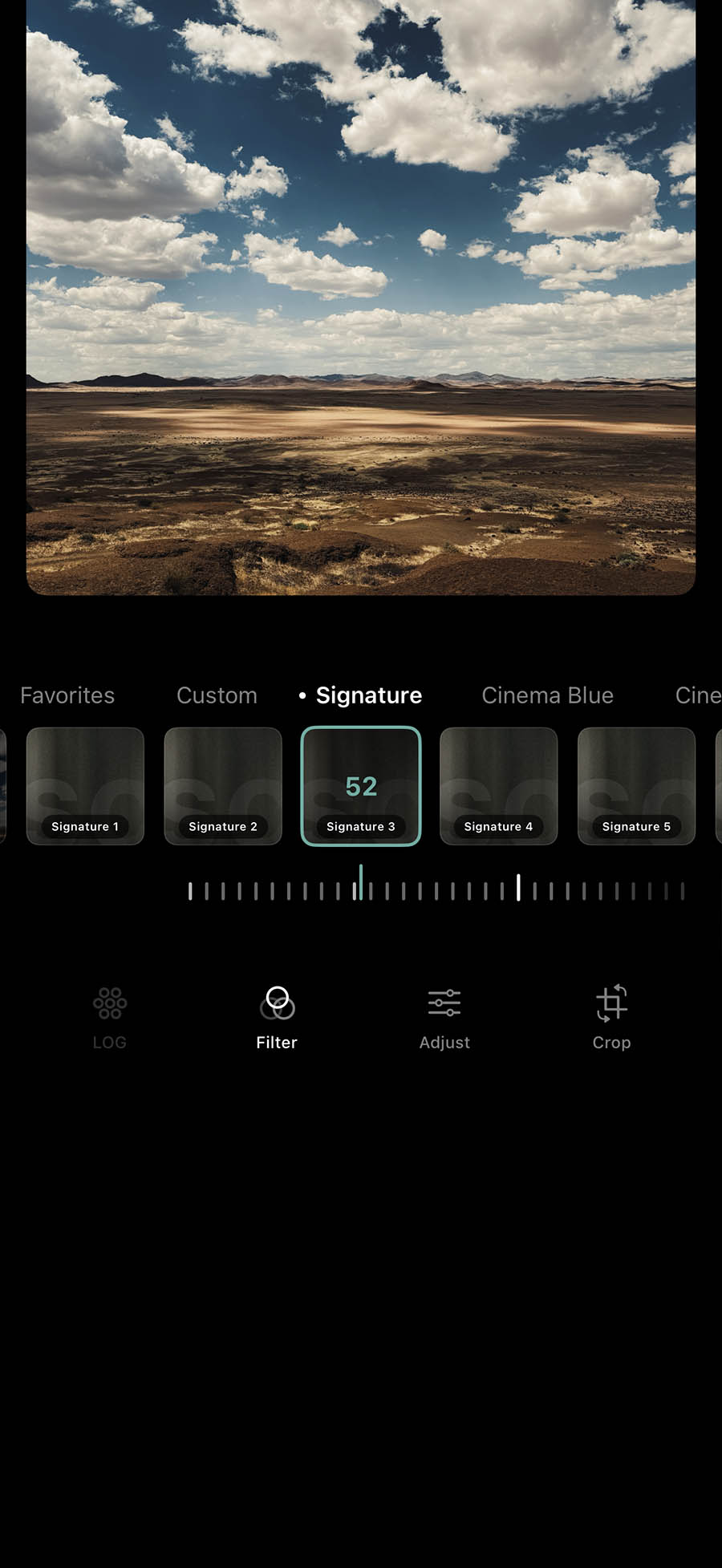
Built for more than just video. We engineered ToneLab with advanced imaging tools tailored specifically for professional photographers.
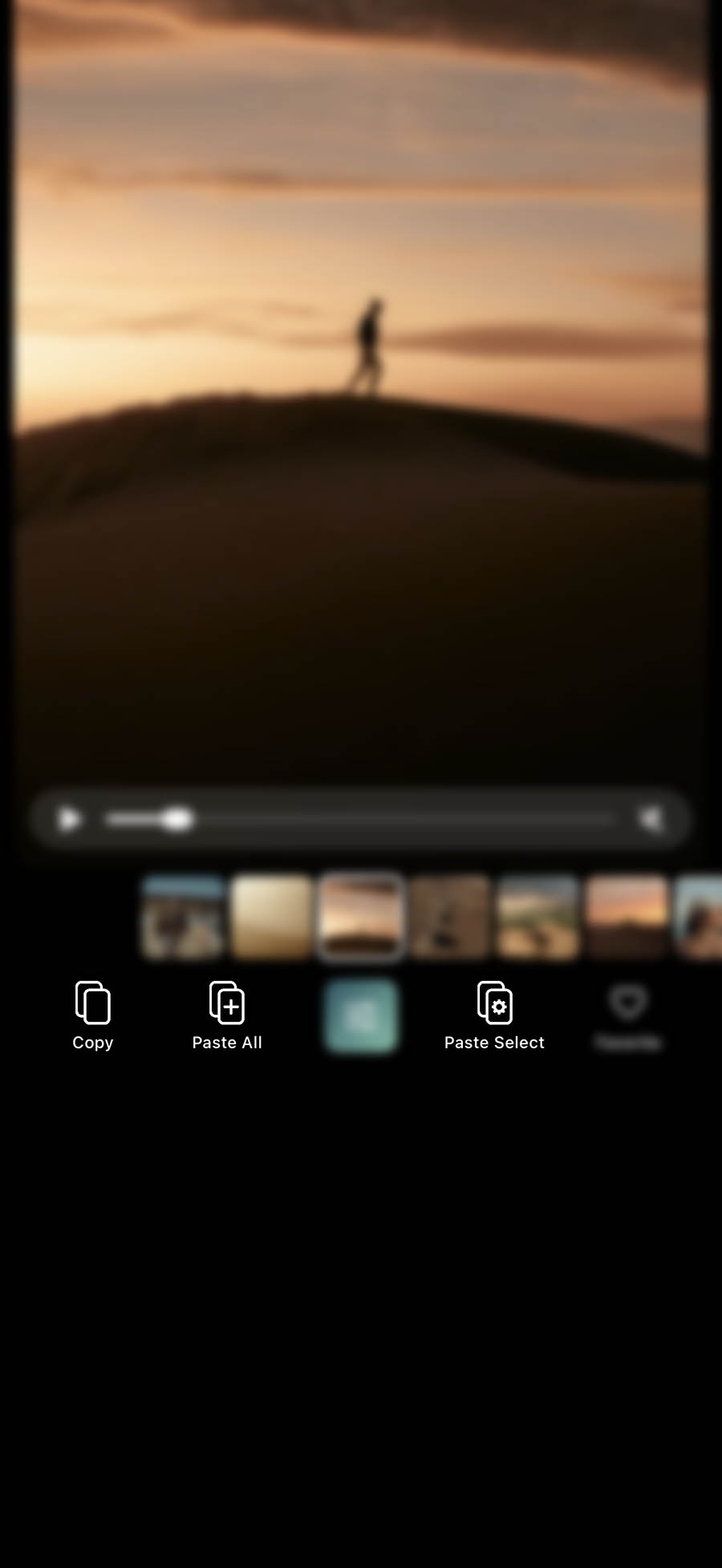
ound a color grade you love? Instantly copy your adjustments from one asset and apply them across others in just two taps.
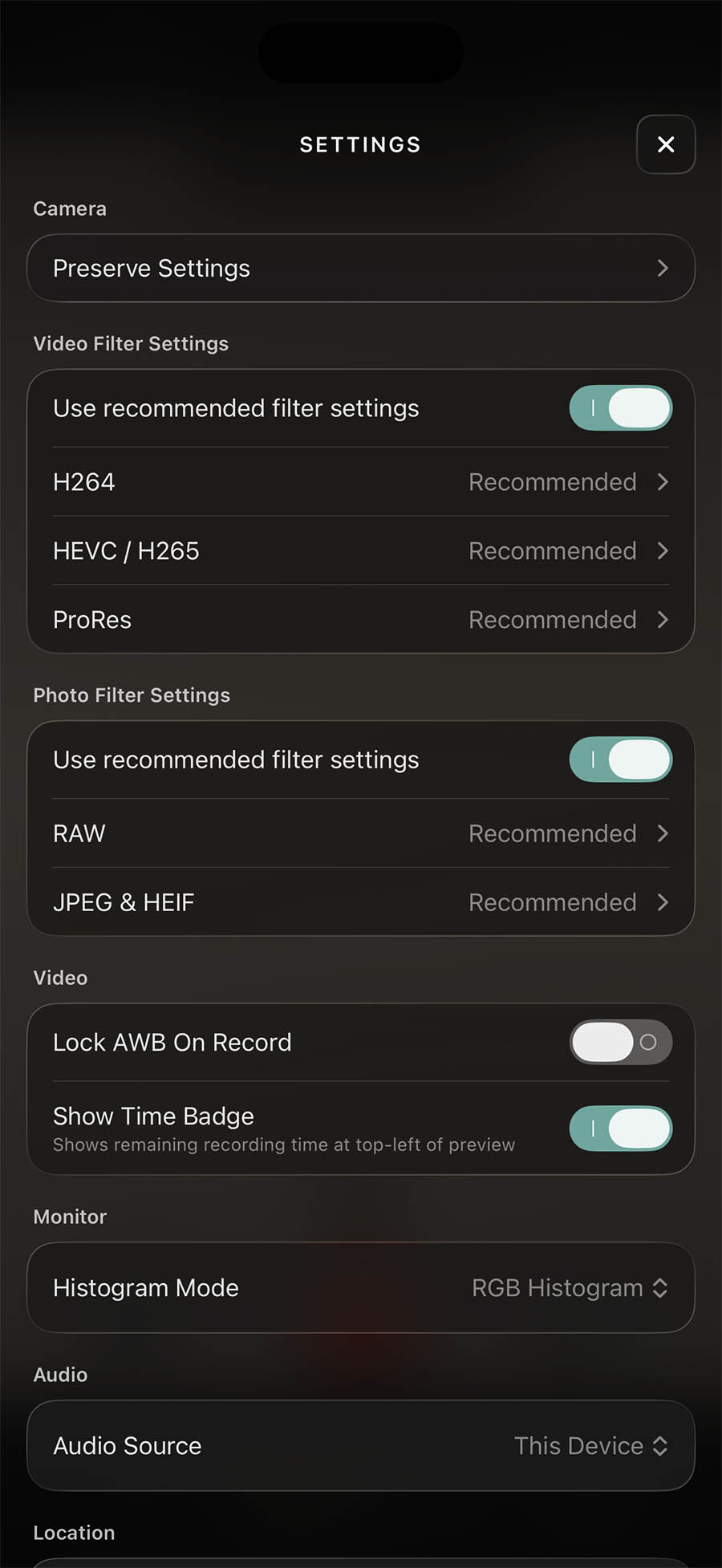
Fine-tune almost every operational parameter to personalize your shooting and editing workspace exactly how you want it.
I want to change/cancel my subscription
Your subscription can be managed within the settings of your phone. Open the Settings app > Tap your name at the top > Tap Subscriptions > Tap Tonelab App > Tap Change Subscription Plan or Cancel Subscription
Why is the app freezing or glitching.
Why is the app freezing or glitching? This is most likely due to a temporary memory or file conflict. Simply swipe up to close and restart the app or contact support.
I paid for a subscription but the features are locked. How do I unlock them?
Sometimes an app update requires refreshing your license. Tap the main menu icon in the top left corner, then click the 'Restore Purchase' button to instantly re-activate your features.
I want to shoot in Log. What iPhone do I need?
For shooting ProRes Log, an iPhone 15/16/17 Pro or Pro Max is required.
My imported photo/videos are gone. Can I restore them?
Photos and videos processed in ToneLab are stored strictly on your device to protect your privacy and never touch external servers. Please note that if the app is deleted or you switch devices, this local media will be permanently removed as it does not sync to a cloud account.
If you can't find the answer or need help, email us at contact@tonelab.io